
What is the best VPN for Amazon Fire TV Stick in 2025?
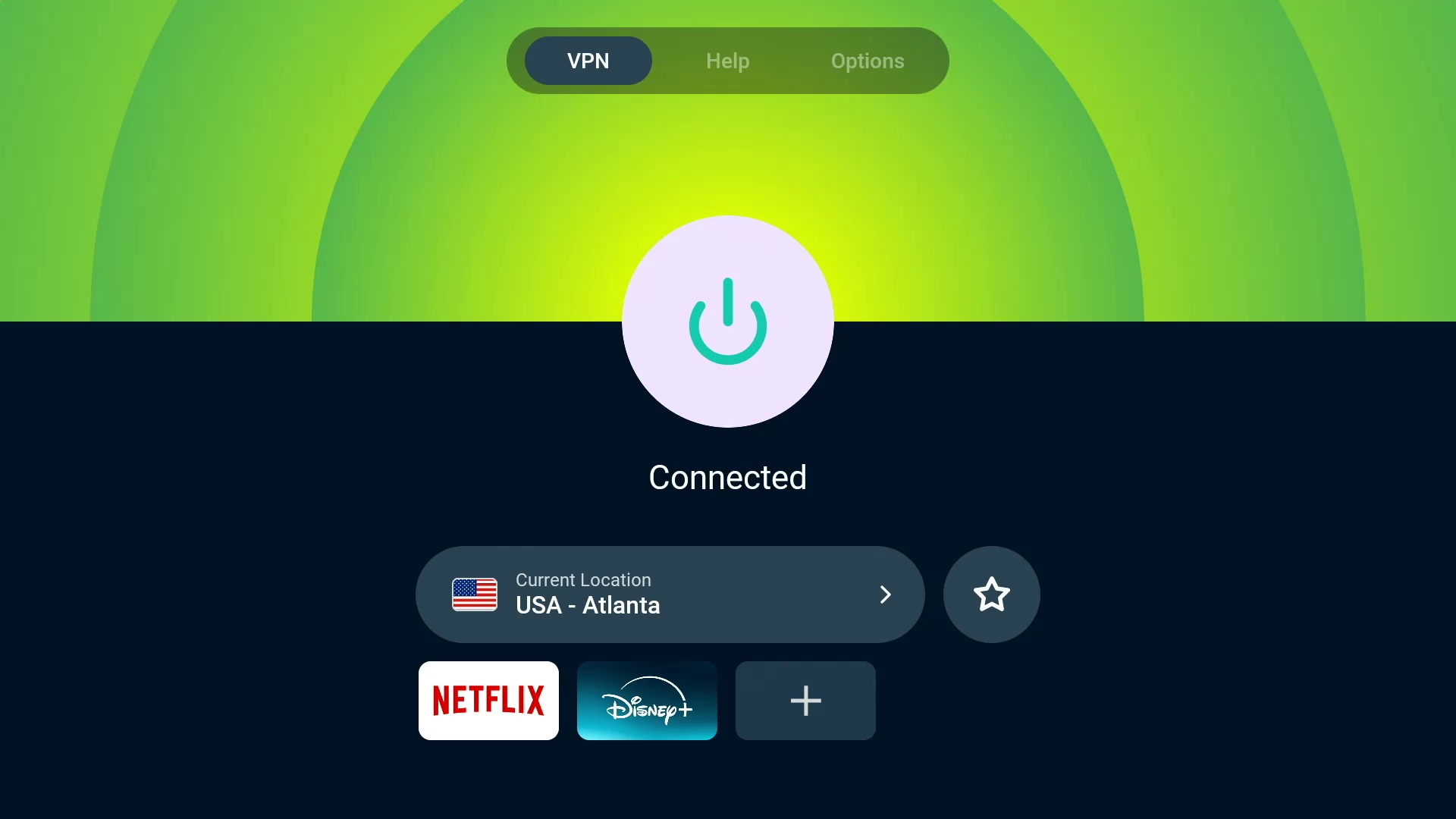
ExpressVPN is the best VPN for Fire TV Sticks overall, thanks to its extremely user-friendly app, quick connectivity and excellent streaming content unblocking. With servers in all 50 US states, ExpressVPN is a great VPN for streaming regional sports content, like NFL or WNBA games.
 Screenshot/CNET
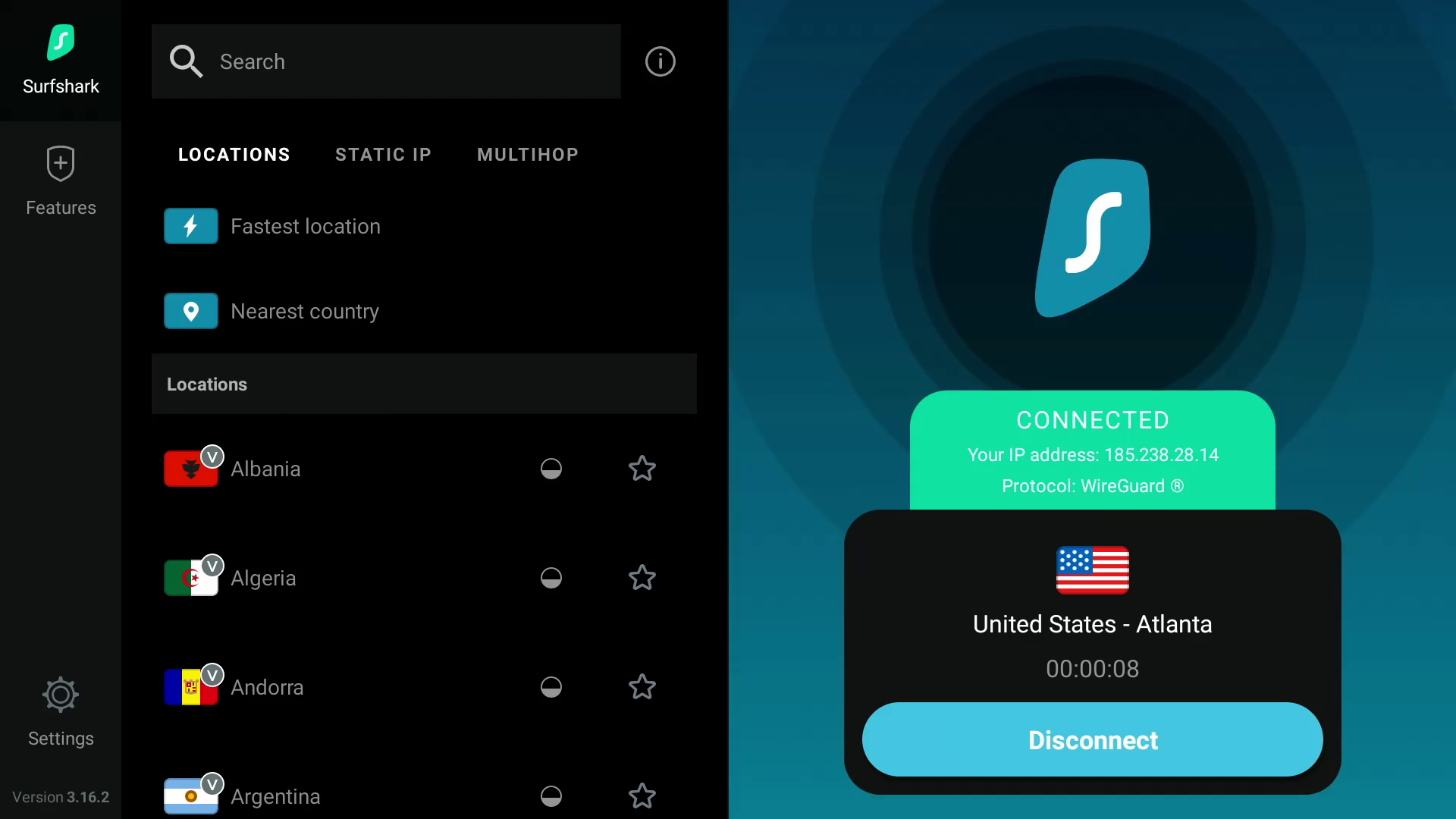
Surfshark is the best value VPN for Amazon Fire TV devices because of its fast speeds and ability to access multiple Netflix regional libraries.
 Screenshot by CNET
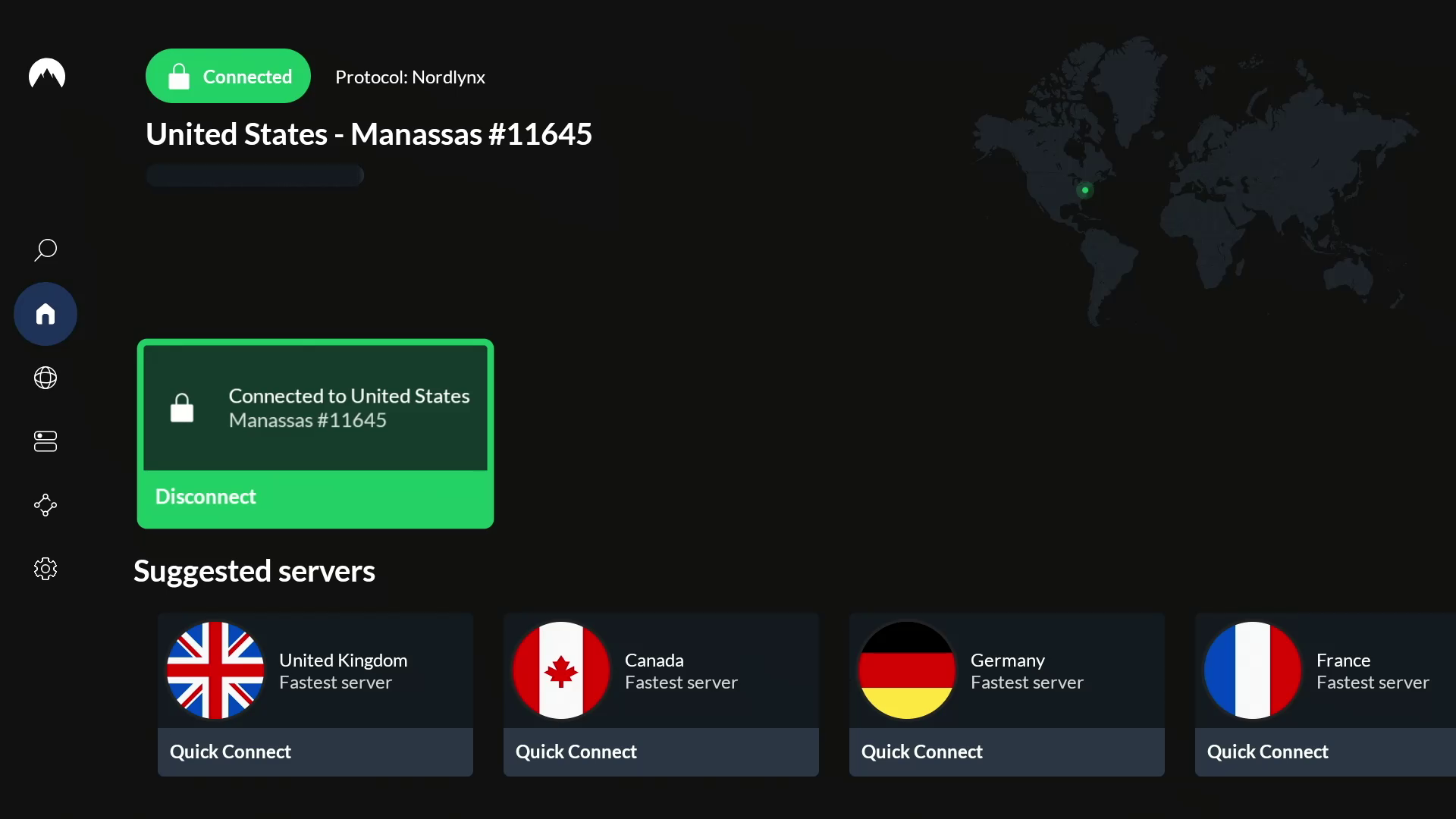
NordVPN is the fastest VPN for Fire TV Stick users based on CNET’s hands-on testing, delivering an exceptionally smooth 4K streaming experience.
 Screenshot by CNET
Why use a VPN for Fire TV Stick?
Amazon’s Fire TV Stick is an affordable streaming device that offers access to a world of apps like Netflix, HBO Max, Disney Plus and Amazon Prime Video. However, geographical restrictions can limit the content available to watch in your region. Due to regional licensing agreements, streaming services can only offer a certain selection of titles in a specific country. For instance, if you’re traveling to another country, your favorite TV shows and movies that you stream at home may not be available to watch in the country you’re visiting.
However, with a VPN, you can route your internet traffic through an encrypted server to hide your public IP address, which can make it look like you’re in another city, state or country. Because most streaming sites typically rely on your IP address to determine your location (and therefore what content library to show), changing your IP address to make it appear as though you’re in a different country using a VPN on your Fire TV Stick can help you unblock region-restricted content from all over the world that wouldn’t normally be available in your location. A VPN can help you unblock worldwide content from streaming services like Netflix, Disney Plus, HBO Max, Amazon Prime Video and BBC iPlayer, in addition to accessing your home streaming libraries while you’re out of the country. So you can enjoy The Waterfront on Netflix or The Accountant 2 on Amazon Prime Video from anywhere around the world. A VPN can even help you stream regional sports games, like NFL matches. Because the VPN encrypts your traffic, you can keep your Fire TV Stick streaming activity private from your ISP and potentially bypass bandwidth throttling, which might slow down your internet speeds.
The best VPNs for Fire TV Stick all have user-friendly apps that you can download directly to your streaming device. However, one may work better for you than another, depending on your budget and the specific streaming content you want to access. Based on my hours of testing several VPN services in my latest evaluations, ExpressVPN retains its standing as the best Fire TV Stick VPN available in 2025, thanks in large part to its incredible ease of use and impressive unblocking capabilities across regions and streaming services. Read on to learn more about what to look for in the best VPNs for Fire TV Stick.
You can use a VPN with your Amazon Fire TV Stick to protect your privacy and get past streaming geoblocking.
Getty Images/Amazon/CNETHow to choose the right VPN: Factors to consider in a Fire TV Stick VPN
Privacy
If you want to keep your viewing activities on your Fire TV Stick hidden from your ISP, then you’ll want a VPN that delivers on privacy. Generally, you want to use a provider that offers AES-256 over OpenVPN, or ChaCha20 over Wireguard, to be sure that your internet traffic is being encrypted in a secure way. Be sure to check the VPN provider’s privacy policy to see what personal information may be collected, who it’s shared with and how it’s protected. Do some research into any privacy or security incidents that the VPN company may have dealt with in the past. Look into the provider’s no-logs policy and check for any third-party no-logs audits or real-life cases where the provider’s no-logs claims were put to the test. Also, you’ll want to make sure the VPN has a kill switch and DNS leak protection to ensure your traffic doesn’t leak unencrypted.
Speed
Nothing’s worse than constant buffering when you’re trying to stream movies or shows with your Fire TV Stick. You’ll need a fast VPN to ensure a smooth streaming experience, especially if you’re streaming in 4K. Keep in mind that a VPN will slow your internet speeds, sometimes by 50% or more — although, the fastest VPNs we tested slowed our base speeds by an average of only 20% or less. With a VPN that cuts your internet speeds by 20% or less, you’ll probably hardly notice the speed reduction, and your speeds should be sufficient for streaming on your Fire TV Stick (provided your base internet speeds are fast enough to begin with). Netflix recommends speeds of at least 5Mbps for high-definition streaming, whereas 4K content needs at least 15Mbps. But for a smooth and stable 4K streaming experience, your speeds should be closer to 50Mbps.
Streaming and unblocking capabilities
Most VPNs advertise that they’re great for streaming, but the reality is that there are only a few out there that are truly great streaming VPNs. It’s more than likely that you’ll be spending a lot of time streaming TV shows and movies using your Amazon Fire TV device, so you need a VPN that can keep up. This doesn’t just mean that it’s fast — you’re also looking for a VPN that has plenty of servers around the world to give you more choice when it comes to unblocking streaming services around the world. You’ll also want to make sure that a VPN has the ability to unblock content on streaming services like Netflix, Disney Plus, HBO Max, Hulu, BBC iPlayer and Amazon Prime Video. The best way to do this is to test it out by taking advantage of a money-back guarantee. If the VPN works and unblocks the stream you want, great. If not, you can ask for a refund and try a different VPN provider.
Usability
Just because a VPN has a dedicated app for Amazon’s Fire TV Stick, doesn’t necessarily mean that it’s a good VPN for the device. You’ll want your VPN to be easy to use on your Fire TV Stick. The app should be similar to its desktop and mobile counterparts and should be just as simple to navigate, apply settings and connect to a server. It should also connect quickly and remain connected throughout your streaming sessions.
Cost
If you’re on a budget, cost will be an important consideration in choosing a VPN for your Fire TV Stick. VPN prices can vary from provider to provider, but you’ll typically save more money in the long run when you commit to a longer timeframe. You can expect to pay anywhere from $30 to $150 per year for an annual VPN subscription, and anywhere from $5 to $15 for a monthly VPN subscription, depending on which VPN you go with.
 Screenshot by CNET
How I tested VPNs on Fire TV Stick
Each of CNET’s top VPNs offers a native VPN app for the Fire TV Stick, but a few of them stood out during my tests. In addition to evaluating the usability and features of the Fire TV Stick VPN apps, I prioritized other important factors like security, speed and unblocking capabilities of each VPN I tested.
For my evaluation, I tested each VPN on a Fire TV Stick 4K Max. I opened each app on the Fire TV Stick and first tried to get a sense of its usability and available features. Is the app easy to navigate, and are the servers organized in a way that makes them easily accessible? Are the features useful, organized and simple to access?
I then evaluated the overall performance of the app to see if the servers connected quickly, whether or not the connections were stable and how well the features performed. Finally, I tested how well each VPN performed in terms of unblocking geographically restricted content through various server locations and on various popular streaming services like Netflix, Disney Plus, HBO Max, Hulu and Amazon Prime Video. I tested to make sure the streaming services loaded up and started playing content quickly. I also noted whether the streaming experience was smooth and free of buffering, especially when streaming in 4K. The VPNs that consistently passed these tests earned a spot among my picks for the top Fire TV Stick VPNs.
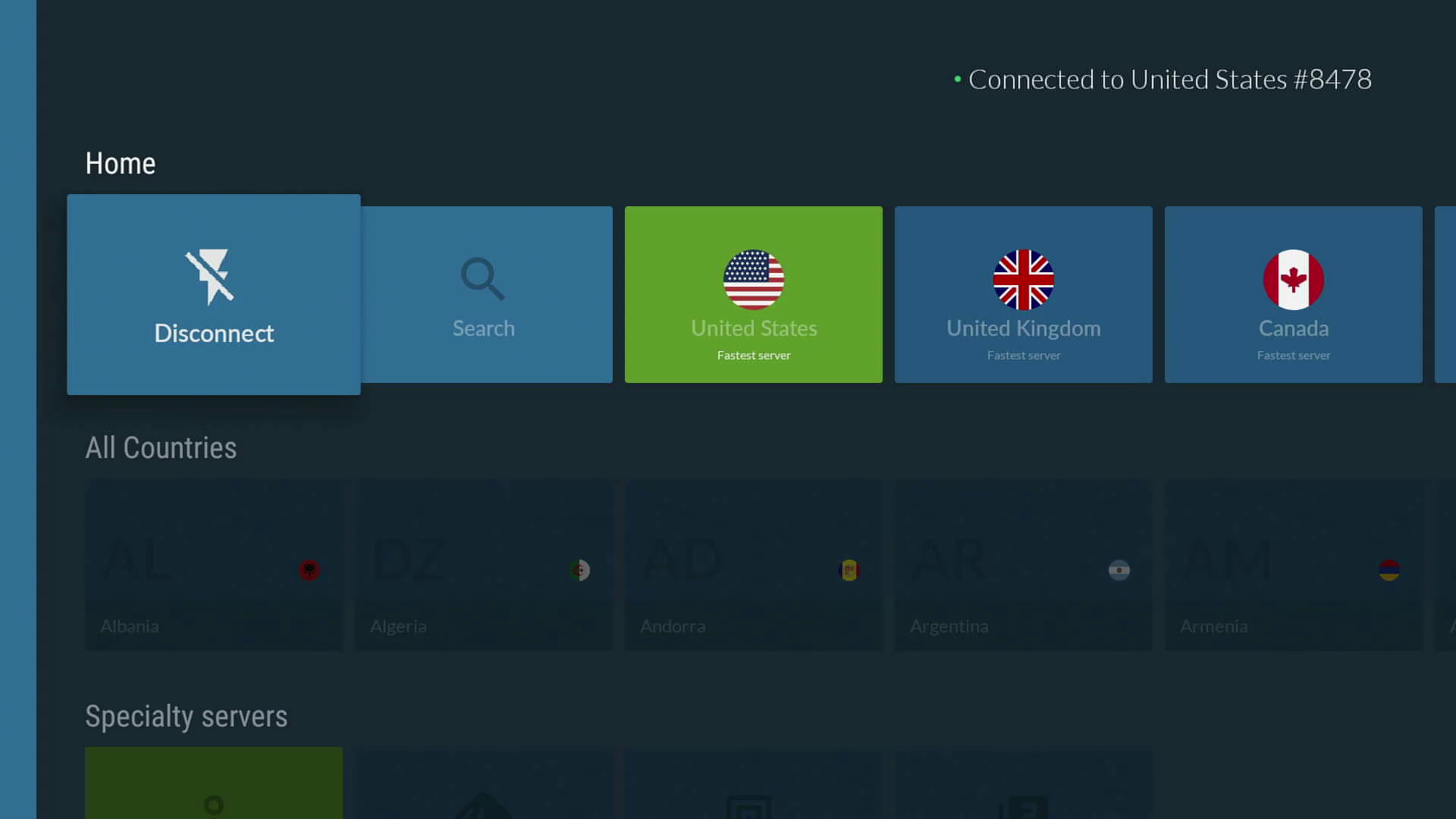
NordVPN’s Fire TV Stick app is easy to navigate and full of useful features.
Screenshot by CNETHow do I install a VPN on Amazon’s Fire TV Stick?
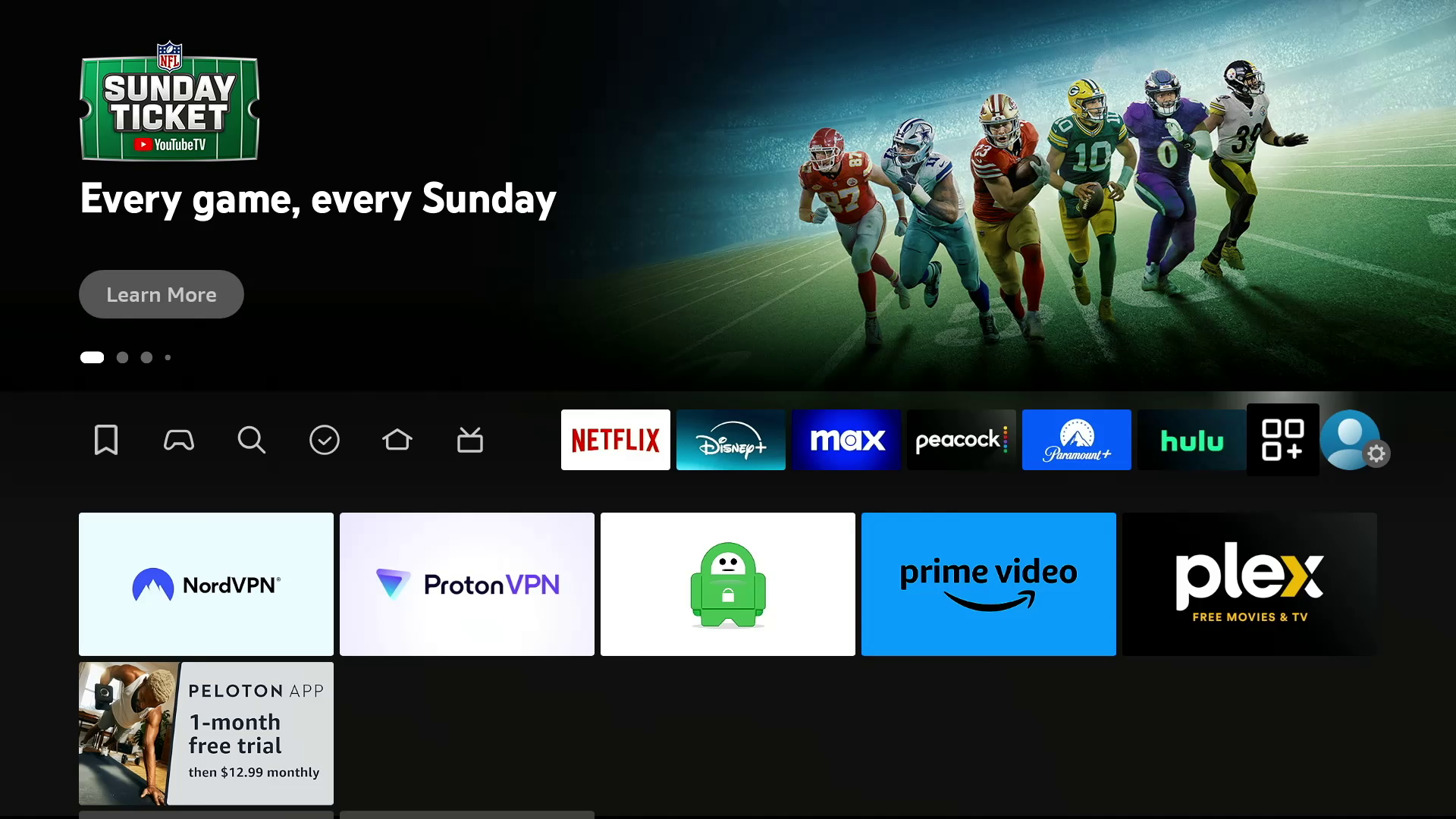
Installing a VPN on the Fire TV Stick is easy. You can either navigate to the magnifying glass search icon on your Fire TV home screen and use your remote or Fire TV app on your smartphone to type in the name of the VPN you want to download, or you can use the Alexa function on your Fire TV remote and say the name of the VPN. Then, click on the logo of your selected VPN and click on Get to initiate the download. Click on Open to launch the app and log into your account. Once you’ve logged in, your VPN will ask for your permission to set up a VPN connection. Click on OK to allow the VPN to create the connection. Once you’ve given your VPN permission to connect, you can start using the VPN on your Fire TV Stick.
Which Amazon Fire TV device is best for streaming with a VPN?
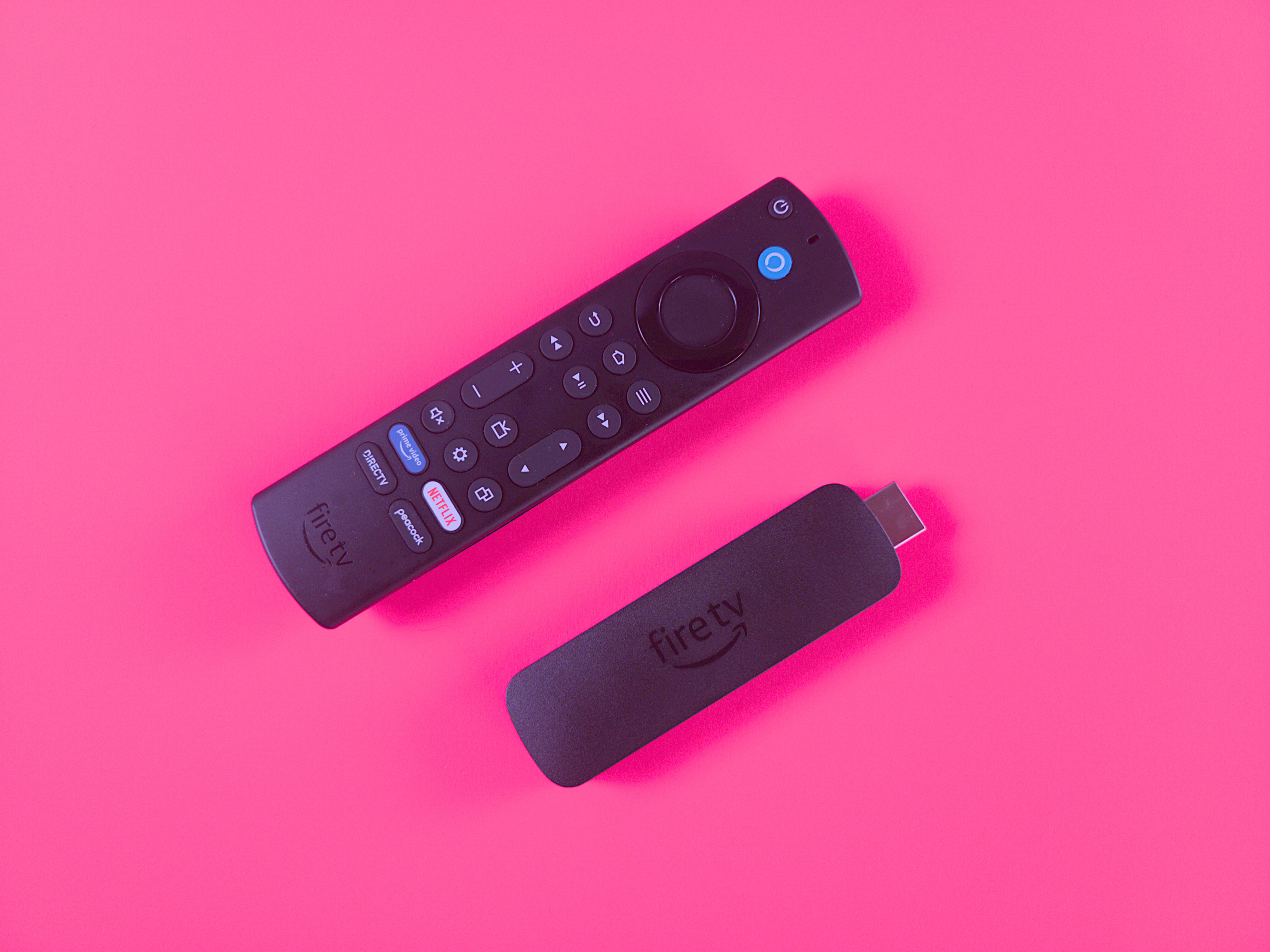
The $55 Amazon Fire TV Stick 4K Max (2023) features a new Ambience mode.
Ty Pendlebury/CNETYou’ve got multiple Amazon Fire TV devices to pick from, and the Amazon Fire TV Stick 4K Max is our choice as the best overall. In our testing, we liked its Wi-Fi 6 support, which helps when streaming high-bandwidth 4K video content on your favorite apps, like Amazon Prime Video, Netflix or Disney Plus. We also appreciated the Fire TV Stick 4K Max’s capability to stream in the latest video standards, like Dolby Vision HDR.
The Amazon Fire TV Cube is great for home theater or smart home enthusiasts. We appreciate that it doubles as a smart speaker with Alexa onboard, so you can use voice search to look up movies and shows, adjust the volume, change TV inputs, stream music and more. There’s even an HDMI input, so you can connect cable boxes, game consoles and other devices to your Fire TV Cube, which can be great if you’re a home cinema buff with too many devices and not enough HDMI inputs on your TV.
You can install a VPN directly on your smart TV if you’re using a television that runs Amazon Fire TV OS, like the Amazon Fire TV Omni or Panasonic Z95A OLED.
CNET speed test data
Any VPN will slow down your internet speeds (sometimes by as much as 50%), but a fast VPN should only drop your download speeds by an average of about 25% or less. We run over 250 individual speed tests per provider when we test VPNs. NordVPN was the fastest VPN we assessed in our latest round of testing, with a 3% average download speed loss. Surfshark, Proton VPN, Mullvad and ExpressVPN all registered speed loss of less than 25%. Because streaming video on an Amazon Fire TV stick requires fast internet speeds — especially for 4K or 1080p content — you’ll want a reliable VPN that minimally cuts your download speed. Here’s how our top VPN recommendations stacked up:
Other VPNs we tested on the Fire TV Stick
IPVanish
- Servers: 2,400-plus
- Number of countries: 108
- Country/jurisdiction: US
- Platforms: Windows, MacOS, Linux (CLI), Chrome OS, Android, Android TV, iOS, iPadOS, Fire TV, Apple TV
- Price: $13 per month, $40 for the first year (then $156 annually) or $52 for the first two years combined (then $312 every two years)
I also tested IPVanish on the Fire TV Stick. Its app includes various settings and features to tool around with, but its high 44% average speed loss makes it unreliable for streaming video. The automatic app launch feature that allows users to select an app to launch automatically after a successful connection is a handy feature and worked well when set to auto-launch Netflix. But besides that, there wasn’t much more to like about IPVanish’s performance on the Fire TV Stick. Considering its unremarkable performance and ridiculously expensive renewal prices, I cannot enthusiastically recommend IPVanish as a viable VPN solution for the Fire TV Stick or for basically any other use case at this time. (Disclosure: IPVanish is owned by the same parent company as CNET, Ziff Davis).
We’ll continue to test this and other VPNs on the Fire TV Stick, so be sure to check back often.